The Raindrop alternative for people who work in projects
How a bookmark manager built around projects compares to Raindrop's collections
 By Esteban P.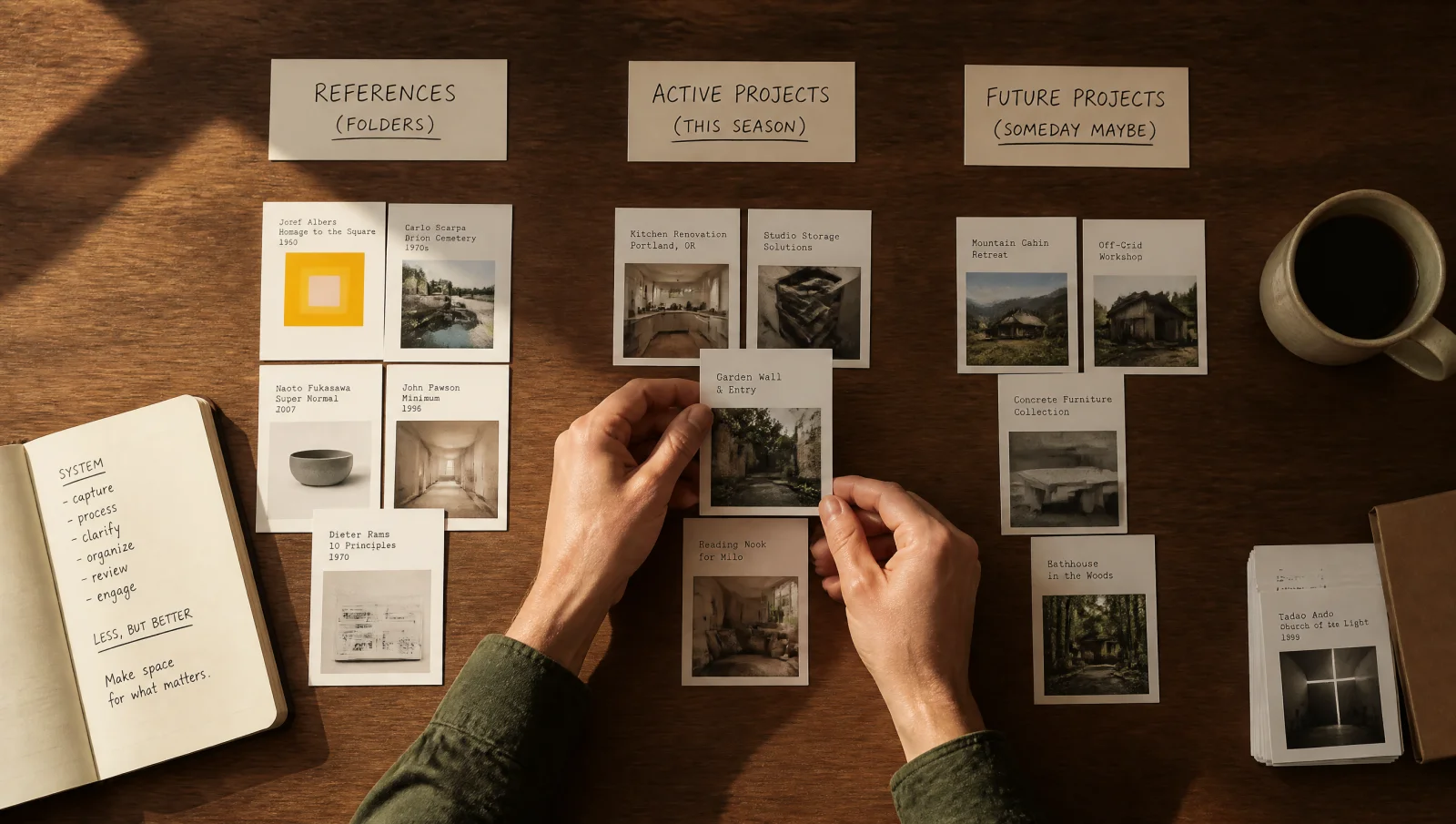
People who look for a Raindrop alternative rarely say the app is bad. It is not. They say something more specific: "I have hundreds of links in there and I never open them again."
That is worth taking seriously, because it is not a feature problem. It is a structure problem.
What Raindrop gets right
Credit where it is due. Raindrop is the most complete bookmark manager available today. It runs on every platform, it has browser extensions everywhere, its free plan does not cap how much you save, and its paid plan is one of the cheapest in the category (around $28 a year at the time of writing). If your goal is to store a lot of links and keep them tidy, it does that better than almost anything else.
We said the same thing in our 2026 roundup of bookmark managers, and it has not changed.
Where it stops working
Raindrop organizes with collections, and collections behave like folders. Folders answer one question: where does this link belong?
That is the wrong question for most creative work. When you are building something, the question is: what am I working on, and what do I need in front of me right now?
A folder called "Typography" holds everything typographic you have ever saved. Useful in theory. But when you sit down to design a specific brand, you do not need everything typographic. You need the six references you gathered for that brand, next to the color notes, the competitor screenshots, and the article that gave you the idea in the first place. In a folder system those five things live in five different places.
So you stop going back. Not because the links are bad, but because reassembling the context costs more than searching Google again.
The difference: boards are projects
Moodmarks starts from the opposite end. A board is not a category, it is a project. The rebrand you are working on. The thesis. The apartment you are renovating. The next post you are writing.
Everything you save for that project goes in one place: links, references, ideas, screenshots. When you open the board, the context is already assembled. Nothing to reconstruct.
It is a small change on paper and a large one in practice. Saving stops being filing and starts being preparation. If you want the method rather than the app, we wrote it up in how to build a second brain on your iPhone.
What you get with Moodmarks
One idea, applied consistently: a board is a project. Everything you save for that project lives together, so the context is already assembled when you sit down to work.
Search is included from the first day instead of being sold as an upgrade. Saving takes a second. The free plan is enough to run a real project from beginning to end, which means you can find out whether the system suits you before spending anything.
There is a small team behind it, and that shows in the best way: the product moves fast and stays pointed at one idea instead of growing in every direction at once.
Who should actually switch
Switch if your saved links exist to feed work you are doing: design projects, research, writing, building. If you have ever thought "I know I saved something perfect for this" and could not find it, the structure is the reason.
Stay where you are if what you want is a permanent archive of everything you have ever read. That is a different job, and Raindrop is shaped for it.
Moving over
You do not need to migrate everything. That is the part that stops most people, and it is unnecessary.
Pick the project you are working on this week. Create one board. Add the ten or fifteen links that project actually needs, from Raindrop, from your tabs, from wherever they are. Use it for a week and see whether you go back to it.
If you do, you already know what to do with the next project. If you do not, you lost fifteen minutes and learned something about how you actually work.
Ready to try? Download Moodmarks on the App Store and start with one board. If you are also coming from a read later app, our guide on what to use now that Pocket is gone covers that case.
Other articles you might like
More ideas on saving links and organizing what you find.

The best PKM app for iPhone is the one you'll actually feed
What personal knowledge management actually requires on a phone, and how to tell a real PKM app from a note app wearing a PKM label.
How to build a second brain without buying five apps
A second brain needs three habits, not a stack of tools. Here's the version that fits in your pocket.

Why your reading list never gets read
It isn't a discipline problem. A reading list is the wrong shape for most of what people save.